Gditor Free
Free
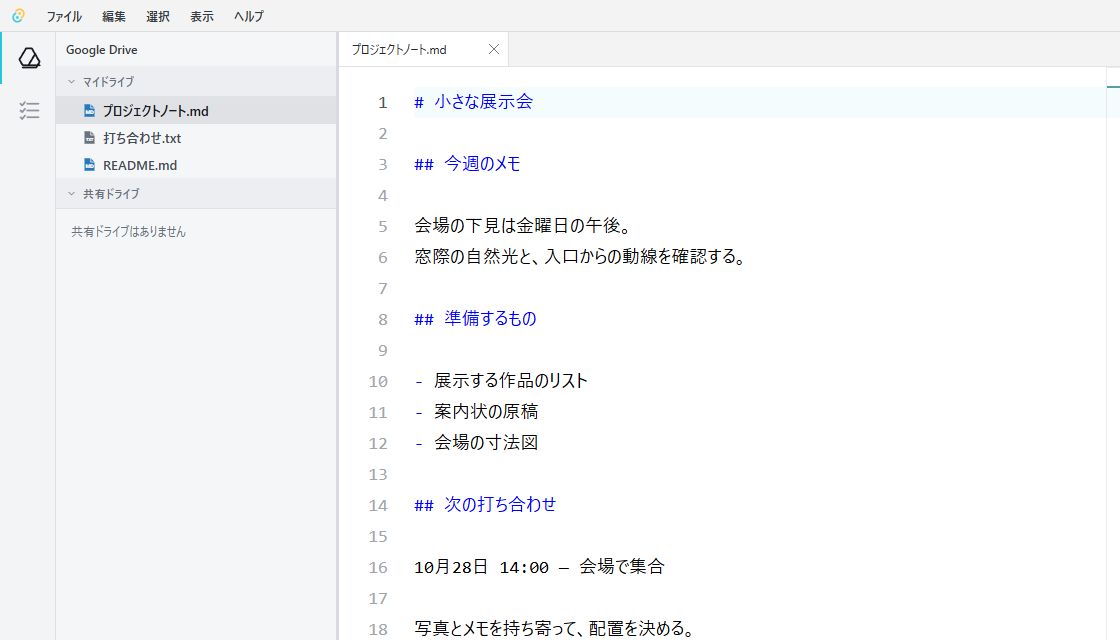
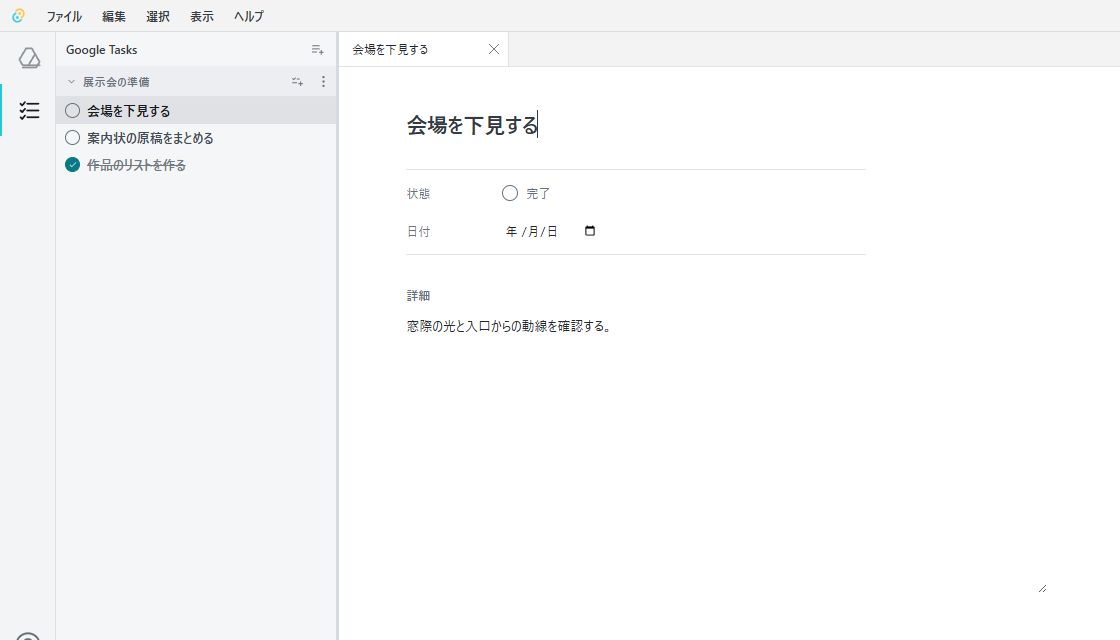
Browse, edit, and save Drive text files, and manage Google Tasks.
 Gditor
.txt · Markdown · CSV · JSON
Choose a list to add and organize tasks. Edit notes and due dates here too.
Free
Browse, edit, and save Drive text files, and manage Google Tasks.
$5.99 / month
Annual $59.90
Search Drive and Tasks together, with 100 AI answers each contract month.
Displayed prices are the total charged. Checkout confirms the final currency and amount. Plans renew automatically until canceled. Sales and cancellation terms ↗
You can edit UTF-8 text files in Google Drive, including .txt, Markdown (.md), .csv and .json, up to 5 MB per file. Markdown and CSV files are edited as text. Google Docs, Sheets and Slides open in Google’s interface.
No. File and task content stays in the relevant Google services.
You need a supported browser and a Google account that can grant access to Google Drive and Google Tasks.
Saving updates the original file in Google Drive, without downloading and uploading it again. You need permission to edit the file. If it changes in Drive while you are editing, Gditor reports an error instead of overwriting it. Copy any unsaved edits somewhere safe before reopening the file.
Yes. You can browse shared drives that your Google account can access and save supported text files when you have editing permission. Gditor cannot change shared-drive access permissions.